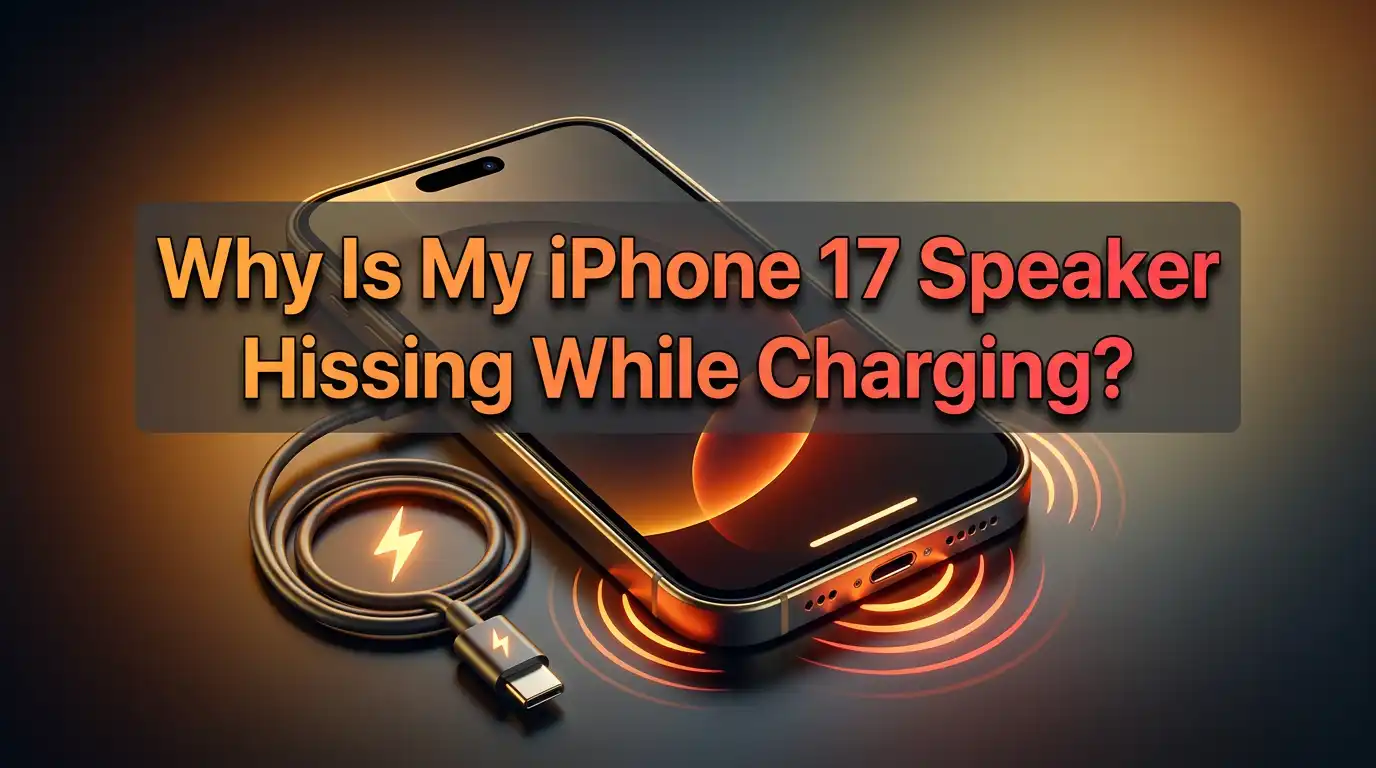
Why Is My iPhone 17 Speaker Hissing While Charging?
A strange hissing or static noise from your iPhone 17’s speaker while charging can be alarming. Many iPhone 17 Pro and Pro Max users have reported this issue, where a faint but noticeable buzzing, crackling, or hissing sound emanates from the device’s speakers during charging sessions.
The noise typically disappears when you unplug the charger, making it clear that the issue is directly related to the charging process.
This phenomenon has sparked concern among users who worry about potential hardware defects or safety issues.
In a Nutshell
- Electrical interference from the charging circuit can induce noise in nearby speaker components
- Ground loop issues between the charger and speaker circuits create audible static or hissing
- The noise is typically harmless but indicates less-than-perfect electromagnetic shielding
- Using certified MFi chargers and high-quality cables can reduce or eliminate the hissing sound
- Software updates may include improvements to charging circuit management that reduce interference
What Causes Speaker Hissing During Charging
The hissing sound during charging is primarily caused by electromagnetic interference between the charging circuitry and the speaker components.
When electricity flows through your iPhone’s charging port and power management circuits, it generates electromagnetic fields that can induce unwanted electrical signals in nearby components.
Your iPhone’s speakers contain sensitive components that amplify audio signals. When electromagnetic noise from the charging process reaches these components, they amplify it just like they would any other audio signal, resulting in the audible hiss, buzz, or static you hear.
This interference is most noticeable during charging because that’s when the highest amount of electrical current flows through the device’s power circuits.
The switching power supply in your charger operates at high frequencies, and if the shielding between power circuits and audio circuits isn’t perfect, this frequency can leak into the audio path.
Modern smartphones pack many components into a tiny space, making it challenging to achieve perfect isolation between power and audio systems. The proximity of the charging port to the bottom speaker on iPhone 17 models makes this speaker particularly susceptible to charging-related interference.
Is the Hissing Sound Normal or a Defect
The charging hiss is generally considered a minor design quirk rather than a serious defect. Many electronic devices exhibit some degree of electromagnetic interference under certain conditions, especially during high-power operations like charging.
However, the intensity and persistence of the noise can vary between individual devices. Some iPhone 17 units produce barely noticeable hissing, while others generate more prominent static.
This variation suggests that manufacturing tolerances in component placement and shielding quality affect how much interference occurs.
Apple has not officially classified the charging hiss as a defect requiring replacement, though some users have successfully obtained replacements through Apple Support for devices with particularly loud interference. The company’s internal diagnostics tests may identify units that exceed acceptable noise thresholds.
From a functional standpoint, the hissing doesn’t affect your iPhone’s performance, battery health, or speaker quality when not charging. It’s primarily an audible annoyance rather than an indicator of impending failure or safety hazard. The interference doesn’t damage speaker components or reduce their lifespan.
Pros of understanding it’s normal: Prevents unnecessary worry about device failure. Helps set realistic expectations for electronic device behavior.
Cons of accepting it as normal: Diminishes user experience in quiet environments. May indicate room for design improvement in future models.
Ground Loop and Electrical Interference Explained
A ground loop occurs when different parts of an electrical system are grounded at different points with slightly different electrical potentials. In your iPhone, the charger’s ground reference might differ slightly from the device’s internal ground, creating a voltage difference that manifests as noise.
When you connect your iPhone to a charger, you’re creating an electrical path between the wall outlet’s ground, the charger, the Lightning or USB-C cable, and the iPhone’s internal circuitry. Any voltage difference in this path can introduce noise into sensitive audio circuits.
The switching power supply in your charger operates by rapidly turning electricity on and off at frequencies typically between 50kHz and 150kHz. This rapid switching is efficient for power conversion but generates high-frequency electromagnetic radiation. Inadequate shielding allows this radiation to couple into audio circuits.
The speaker amplifier circuits are particularly sensitive to this interference because they’re designed to amplify small electrical signals into audible sound. When electromagnetic noise from the charging circuit reaches the amplifier input, it gets amplified along with legitimate audio signals, producing the hissing sound you hear.
Pros of understanding the technical cause: Helps identify effective solutions. Explains why different chargers produce different noise levels.
Cons: Technical complexity makes it difficult for average users to diagnose. Limited options for user-side fixes once hardware design is finalized.
Impact of Different Chargers and Cables
The quality of your charger and cable significantly affects the intensity of charging hiss. Apple’s official chargers and MFi-certified third-party chargers typically have better electromagnetic shielding and cleaner power output, reducing interference.
Cheap, uncertified chargers often use lower-quality components and inadequate shielding. These chargers may produce higher levels of electromagnetic interference that more readily couples into your iPhone’s audio circuits. The noise from these chargers can be noticeably louder than with quality chargers.
Similarly, cable quality matters. Damaged or poorly-made cables can have inadequate shielding or broken ground connections, exacerbating ground loop issues. A frayed cable with exposed wiring or damaged connectors is more likely to introduce electrical noise.
Wireless charging can also produce hissing, though the mechanism differs slightly. The electromagnetic field used for inductive charging can induce currents in nearby components. The intensity depends on the wireless charger’s design and alignment with your iPhone’s charging coil.
Pros of using quality charging accessories: Reduced electromagnetic interference and hissing. Better overall charging safety and efficiency. Longer accessory lifespan.
Cons: Higher upfront cost for certified accessories. May still not eliminate hissing completely on all devices.
Try Different Charging Accessories
The first practical step to reduce charging hiss is experimenting with different chargers and cables. Start by using Apple’s original charger and cable that came with your device, as these are designed specifically for optimal compatibility.
If you’re already using original accessories, try a different Apple charger from another device or borrow one from a friend. Sometimes individual chargers develop issues or have slight variations in their electromagnetic emission that affect interference levels differently.
Test both wired and wireless charging methods. Some users report that switching from wired to wireless charging eliminates the hiss, while others find the opposite. The physical separation in wireless charging can sometimes reduce interference, though the electromagnetic field itself can also cause noise.
When trying different cables, ensure they’re MFi-certified. Look for the MFi badge on the packaging or connector. These cables meet Apple’s standards for shielding and build quality, which directly impacts electromagnetic interference levels.
Pros: Simple and immediate testing method. May completely resolve the issue with the right accessories. No device modifications required.
Cons: Requires access to multiple chargers and cables for testing. Quality replacements can be expensive. May not resolve issue if device shielding is inadequate.
Adjust Charging Location and Setup
Environmental factors can influence the intensity of electrical interference. The electrical outlet you use, nearby electronic devices, and even the surface your iPhone rests on during charging can affect the hissing sound.
Try charging your iPhone from different wall outlets in your home. Outlets on different circuits may have different ground potentials, affecting ground loop severity. Avoid power strips with multiple devices plugged in, as these can introduce additional electrical noise.
Position your iPhone away from other electronic devices while charging. Devices like laptops, monitors, routers, and smart speakers generate electromagnetic fields that can compound the interference affecting your iPhone’s speakers. Maintain at least 12 inches of distance from such devices.
If using wireless charging, experiment with the iPhone’s position on the charging pad. Slight misalignment can increase electromagnetic field leakage. Ensure your iPhone is centered on the charging pad and that the pad itself is placed on a non-metallic surface.
Pros: Free method requiring no purchases. Can reduce interference from environmental sources. Helps identify if outlet-specific issues exist.
Cons: Limited impact on inherent device-charger interference. May not be practical if outlet options are limited. Time-consuming to test multiple configurations.
Software and Firmware Updates
Apple occasionally releases iOS updates that include improvements to power management and charging protocols. These updates can optimize how the charging circuit operates, potentially reducing electromagnetic interference that causes speaker hissing.
Go to Settings > General > Software Update and install any available updates. While Apple doesn’t specifically mention “fixing charging hiss” in update notes, general improvements to charging algorithms and power management can have positive effects on interference levels.
Some updates include firmware updates for charging accessories that connect to your iPhone. When you plug in certain chargers, especially official Apple ones, the iPhone can update the charger’s firmware to optimize performance and potentially reduce electromagnetic emissions.
Keep your charger firmware current by occasionally connecting to the latest iOS version and leaving the charger connected for several minutes. This allows any available firmware updates to transfer. MFi-certified smart chargers particularly benefit from these updates.
Pros: Free solution through regular system updates. Apple-provided and tested improvements. May include various power management enhancements.
Cons: Updates don’t specifically target charging hiss. May not provide noticeable improvement for hardware-based interference. Requires waiting for Apple to release updates.
Check for Hardware Issues
While charging hiss is often normal, excessively loud or irregular noise might indicate hardware problems. Listen carefully to determine if the sound is a consistent hiss or if it includes crackling, popping, or intermittent buzzing, which could suggest component issues.
Inspect your iPhone’s charging port for debris, corrosion, or damage. Use a flashlight to look inside the port. Any foreign material or corrosion on the contacts can create poor electrical connections that exacerbate ground loop issues and interference.
Check your speakers by playing audio at various volumes when not charging. If you notice distortion, crackling, or reduced volume even when unplugged, your speakers might have hardware damage. This would be a separate issue requiring service, but it’s important to distinguish from charging-related hiss.
If your device is still under warranty or covered by AppleCare+, consider having Apple run diagnostics. They can test the speakers, charging circuitry, and electromagnetic shielding to determine if your device falls within acceptable noise parameters or requires replacement.
Pros: Identifies genuine hardware defects requiring service. Apple diagnostics provide definitive assessment. May qualify for warranty replacement if defective.
Cons: Requires visiting Apple Store or shipping device for mail-in service. May result in no action if noise is within acceptable limits. Time without device if replacement needed.
Use Airplane Mode or Silent Mode While Charging
While this doesn’t eliminate the physical cause of the hissing, enabling Airplane Mode during charging can reduce overall electromagnetic activity in your device, potentially minimizing interference. Airplane Mode disables cellular radios, Wi-Fi, and Bluetooth, reducing the number of active circuits.
Swipe down from the top-right corner to open Control Center and tap the airplane icon. Your iPhone will continue charging normally but with reduced electromagnetic emissions from radio components. This might slightly reduce the intensity of charging hiss.
Alternatively, flip the mute switch on the side of your iPhone to silent mode. While this doesn’t reduce the interference itself, it may make the hissing less noticeable by disabling system sounds that might otherwise draw your attention to the speaker during charging.
These methods are most useful during overnight charging when you don’t need connectivity. They provide the dual benefit of reducing electromagnetic interference and minimizing battery-draining background activities, potentially speeding up charging slightly.
Pros: Easy to toggle without permanent settings changes. May provide slight reduction in overall electromagnetic activity. Useful for overnight charging sessions.
Cons: Disables connectivity features while charging. Doesn’t address the root cause of interference. Benefit may be minimal or imperceptible.
Consider Device Replacement or Repair
If the charging hiss is exceptionally loud and disruptive, you may have a unit with inadequate electromagnetic shielding that falls outside normal tolerances. In such cases, requesting a replacement through Apple Support is reasonable.
Contact Apple Support or visit an Apple Store to describe the issue. They can run remote or in-store diagnostics to assess your device. Be specific about when the noise occurs, its intensity, and what chargers you’ve tested. Consistent, loud hissing across multiple chargers suggests a device issue.
Apple’s replacement policy varies based on your warranty status. Devices within the standard one-year warranty or covered by AppleCare+ may qualify for free replacement if diagnostics show abnormal results. Out-of-warranty devices may incur replacement fees.
Some users have reported success by emphasizing that the noise is disruptive and requesting a supervisor or escalation. Apple may offer replacements for customer satisfaction even if diagnostics show the device is technically within specification, though this isn’t guaranteed.
Pros: Provides permanent solution if device has defective shielding. Covered by warranty if applicable. New or refurbished replacement often has better manufacturing tolerances.
Cons: May not be covered if deemed within acceptable limits. Requires time and effort to arrange service. Data backup and restoration needed for replacement.
Understand Electromagnetic Shielding in Smartphones
Modern smartphones use electromagnetic shielding techniques to prevent interference between components. This includes metal shields over sensitive circuits, careful circuit board layout, and grounded enclosures that block electromagnetic radiation.
In the iPhone 17, the speakers and charging circuits are in close proximity, particularly the bottom speaker near the Lightning or USB-C port. Even with shielding, some electromagnetic coupling can occur, especially during the high-current flow of fast charging when electromagnetic fields are strongest.
The quality of shielding varies slightly between individual devices due to manufacturing tolerances. Components might be positioned slightly differently, shielding may have tiny gaps, or solder connections might vary. These microscopic differences can result in one device having noticeable hiss while another is silent.
Apple’s engineering balances electromagnetic shielding with other design priorities like thinness, heat dissipation, and component density. Adding more shielding increases device thickness and weight, so designers must find optimal compromises that work for the majority of units while accepting some variation.
Pros of understanding shielding: Provides realistic expectations for device behavior. Explains unit-to-unit variation in noise levels.
Cons: Limited ability for users to improve shielding. Highlights inherent design trade-offs in compact devices.
Long-term Impact on Device Health
The charging hiss, while annoying, doesn’t typically cause long-term damage to your iPhone. The electromagnetic interference that creates the audible noise doesn’t harm speaker components, battery health, or other device functions.
Your speakers are designed to handle the power levels involved in amplifying this interference. The hissing sound represents a very small amount of unwanted signal that’s being amplified normally. It’s not causing the speakers to operate outside their design parameters or experience abnormal wear.
The battery and charging circuits also remain unaffected. The interference is a byproduct of normal charging operation, not an indicator of charging malfunction. Your battery will charge at normal speeds and maintain its health regardless of whether the hissing sound is present.
However, if the hissing is accompanied by excessive heat, rapid battery drain, or charging failures, those would indicate separate issues requiring attention. The hiss alone, if it’s a consistent, unchanging sound during charging, is merely an annoyance without health implications.
Pros: No long-term damage to device components. Speakers and battery remain unaffected. Device continues functioning normally.
Cons: Ongoing annoyance for users sensitive to the noise. May impact resale value perception. Doesn’t self-resolve over time.
Community Reports and Apple’s Response
The iPhone 17 Pro and Pro Max charging hiss has been widely reported on forums like Reddit, Apple Support Communities, and MacRumors. Many users describe similar experiences with static or hissing from the bottom speaker during charging.
Apple has not issued an official statement categorizing this as a widespread defect or announcing a repair program. This suggests the company considers the issue within normal operating parameters for the device’s design, though individual cases may qualify for service.
Some Apple Support representatives have offered replacements to users reporting the issue, while others have been told it’s normal behavior. This inconsistency suggests there’s no clear internal policy, and outcomes may depend on the diagnostic test results and the support representative’s discretion.
Community-sourced solutions include using different chargers, enabling Airplane Mode during charging, and positioning the device differently. These workarounds help some users but don’t universally eliminate the issue, confirming that device-specific variations play a role.
Pros of community awareness: Validates that you’re not alone in experiencing the issue. Provides crowd-sourced workarounds and solutions. Increases pressure on Apple for potential future fixes.
Cons: Lack of official Apple acknowledgment leaves uncertainty. Varied success with different solutions creates confusion. No guaranteed fix or replacement policy.
Frequently Asked Questions
Is the hissing sound from my iPhone 17 speaker dangerous?
No, the hissing sound is not dangerous. It’s caused by electromagnetic interference between the charging circuit and speaker components, which is a common phenomenon in electronic devices. The noise doesn’t indicate that your device is overheating, malfunctioning, or at risk of damage. It doesn’t affect your iPhone’s performance, battery health, or speaker longevity.
Does the charging hiss affect speaker quality?
The hissing sound during charging does not permanently affect speaker quality. When you unplug your iPhone, the speakers function normally without any degradation in sound quality. The interference only produces audible noise while charging; it doesn’t damage or wear out the speaker components. If you notice distortion, reduced volume, or quality issues when not charging, that would indicate a separate speaker problem unrelated to the charging hiss.
Will using a different charger stop the hissing?
Using a different charger may reduce or eliminate the hissing, though results vary by device. High-quality, MFi-certified chargers typically produce less electromagnetic interference than cheap, uncertified ones. Try Apple’s original charger or reputable third-party MFi-certified options. Some users find that switching from wired to wireless charging or vice versa changes the noise level.
Can a software update fix the speaker hissing issue?
Software updates can potentially reduce charging hiss through improved power management and charging protocols, though Apple doesn’t specifically advertise this as a fix. Updates may optimize how the charging circuit operates, potentially reducing electromagnetic interference. Always keep your iOS updated to the latest version.
Should I get my iPhone replaced if it hisses while charging?
Consider requesting a replacement if the hissing is exceptionally loud and disruptive. Contact Apple Support or visit an Apple Store for diagnostics. If your device is under warranty or covered by AppleCare+, and if diagnostic tests show abnormal noise levels, you may qualify for free replacement.

Hi, I’m Lola Griffin 👩💻, the voice and creator behind ResizerBox. I’m a passionate tech enthusiast who loves exploring the latest gadgets, smart devices, and trending Amazon electronics. Through my reviews, I share honest insights, real-world testing experiences, and practical buying advice to help readers make confident tech choices.