Skip to content
resizerbox.com
  • Problem Solved
resizerbox.com
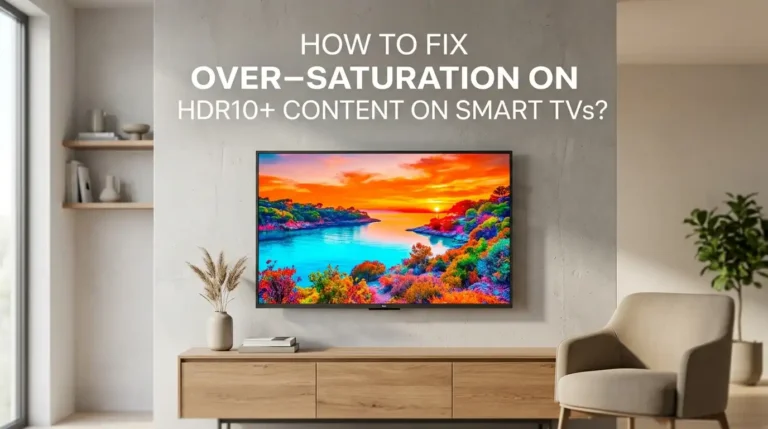
  • How To Fix Over-Saturation On HDR10+ Content On Smart TVs?
    Problem Solved

    How To Fix Over-Saturation On HDR10+ Content On Smart TVs?

    ByLola Griffin May 17, 2026May 17, 2026

    You sit down for movie night, hit play on a stunning HDR10+ title, and the screen explodes with neon reds, glowing skin tones, and grass that looks radioactive. The colors feel wrong, almost cartoonish. This is the over-saturation problem, and it bothers thousands of smart TV owners every day. This guide walks you through every…
    Read More How To Fix Over-Saturation On HDR10+ Content On Smart TVs?Continue

  • Why Is My Gaming Chair Haptic Engine Rattling During Low Frequencies?
    Problem Solved

    Why Is My Gaming Chair Haptic Engine Rattling During Low Frequencies?

    ByLola Griffin May 14, 2026May 14, 2026

    Your gaming chair was supposed to make explosions feel real. Instead, every deep bass thump now sounds like a coin trapped inside a washing machine. That low frequency rattle ruins immersion fast, and it can also signal a real hardware problem that gets worse over time. The good news is that most haptic engine rattles…

    Read More Why Is My Gaming Chair Haptic Engine Rattling During Low Frequencies?Continue

  • How To Fix Blue Tint Issues On High Brightness Outdoor Digital Signage?
    Problem Solved

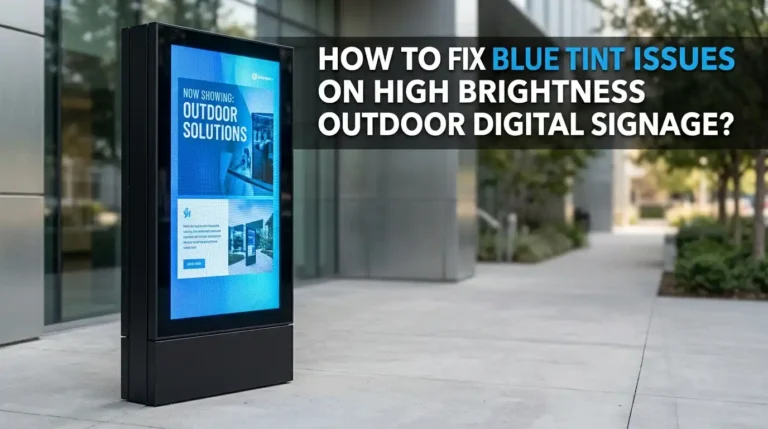
    How To Fix Blue Tint Issues On High Brightness Outdoor Digital Signage?

    ByLola Griffin May 12, 2026May 12, 2026

    You spent thousands on that bright, bold outdoor digital signage display. It looked perfect on day one. Now, the whites look blue. The skin tones look cold. Your brand colors are off, and your content looks unprofessional. This blue tint problem is one of the most common and frustrating issues that affects outdoor high brightness…

    Read More How To Fix Blue Tint Issues On High Brightness Outdoor Digital Signage?Continue

  • How To Calibrate Color Accuracy On A Quantum Dot Mini LED Monitor?
    Problem Solved

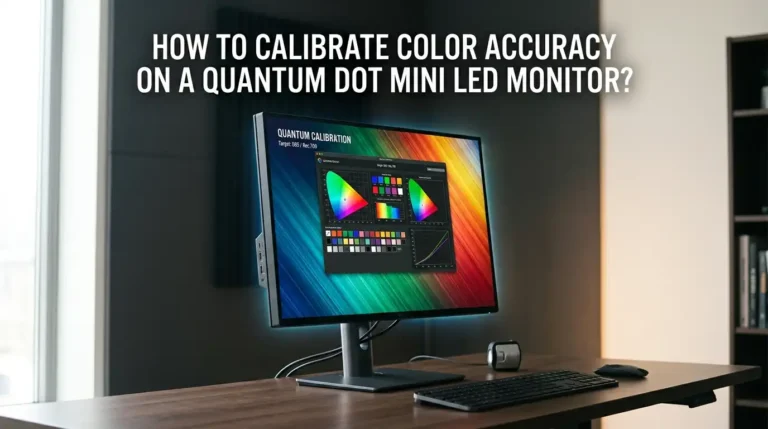
    How To Calibrate Color Accuracy On A Quantum Dot Mini LED Monitor?

    ByLola Griffin May 10, 2026May 10, 2026

    You just spent good money on a quantum dot mini LED monitor. The colors look bright, the HDR content looks amazing, and the screen feels like a real upgrade. But something feels off. Skin tones look too warm. Greens appear overly saturated. Reds seem pushed beyond what looks natural. This happens because most quantum dot…

    Read More How To Calibrate Color Accuracy On A Quantum Dot Mini LED Monitor?Continue

  • How To Fix Motion Blur In High Speed Industrial Thermal Imaging Cameras?
    Problem Solved

    How To Fix Motion Blur In High Speed Industrial Thermal Imaging Cameras?

    ByLola Griffin May 10, 2026May 10, 2026

    Have you ever captured a thermal image of a fast moving object on your production line, only to find it smeared and unreadable? You are not alone. Motion blur is one of the most frustrating problems in industrial thermal imaging. It distorts heat signatures, spreads temperature data across multiple pixels, and makes your readings unreliable….

    Read More How To Fix Motion Blur In High Speed Industrial Thermal Imaging Cameras?Continue

  • How To Calibrate Drifting Joysticks On Hall Effect Gaming Controllers?
    Problem Solved

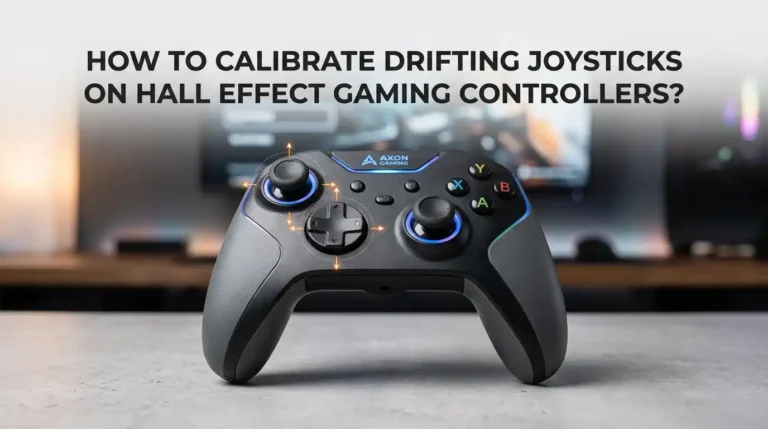
    How To Calibrate Drifting Joysticks On Hall Effect Gaming Controllers?

    ByLola Griffin May 8, 2026May 8, 2026

    You just bought a Hall Effect controller because you were tired of stick drift ruining your aim. You unbox it, plug it in, and fire up your favorite shooter. Then it happens again. Your character inches forward on screen. Your crosshair pulls slightly to the left. You stare at the controller in disbelief. Hall Effect…

    Read More How To Calibrate Drifting Joysticks On Hall Effect Gaming Controllers?Continue

  • How To Fix Bluetooth Keyboard Input Delay When Typing Fast?
    Problem Solved

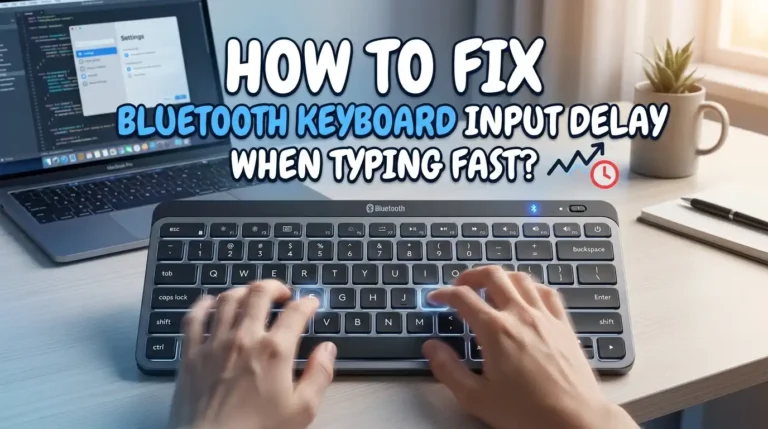
    How To Fix Bluetooth Keyboard Input Delay When Typing Fast?

    ByLola Griffin May 5, 2026May 5, 2026

    You are typing at full speed, and suddenly your words appear on the screen two or three seconds late. Letters jumble together. Some keystrokes go missing entirely. If this sounds familiar, your Bluetooth keyboard has an input delay problem, and it is more common than you think. Bluetooth keyboard lag affects millions of users across…

    Read More How To Fix Bluetooth Keyboard Input Delay When Typing Fast?Continue

  • How To Cool Down An Overheating Steam Deck OLED?
    Problem Solved

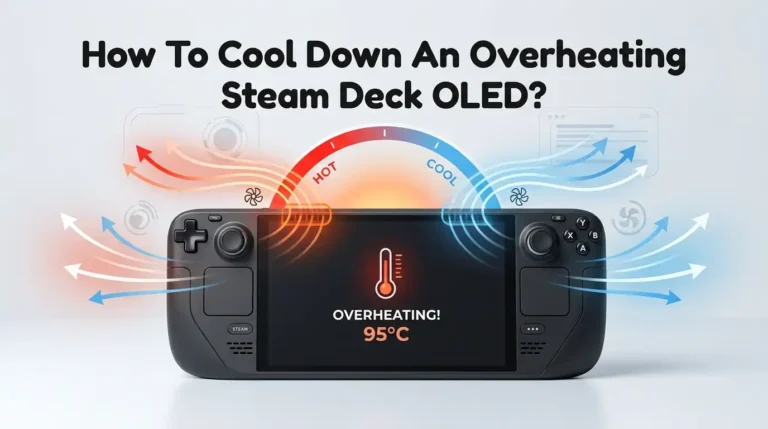
    How To Cool Down An Overheating Steam Deck OLED?

    ByLola Griffin May 4, 2026May 4, 2026

    Your Steam Deck OLED is a portable gaming powerhouse, but that power comes with heat. You’re mid session in Cyberpunk 2077, your palms feel like they’re resting on a warm plate, the fan sounds like a tiny jet engine, and then you notice your frame rate tank. Sound familiar? Overheating is one of the most…

    Read More How To Cool Down An Overheating Steam Deck OLED?Continue

  • How To Clean Sweat Out Of Meta Quest 4 Face Gasket?
    Problem Solved

    How To Clean Sweat Out Of Meta Quest 4 Face Gasket?

    ByLola Griffin May 3, 2026May 3, 2026

    Sweat builds up fast inside any VR headset. After a heated round of Beat Saber or a long fitness session, your Meta Quest 4 face gasket can soak up moisture, odor, and skin oils. Left untouched, that buildup turns into a sour smell, skin breakouts, and even early wear of the foam or silicone padding….

    Read More How To Clean Sweat Out Of Meta Quest 4 Face Gasket?Continue

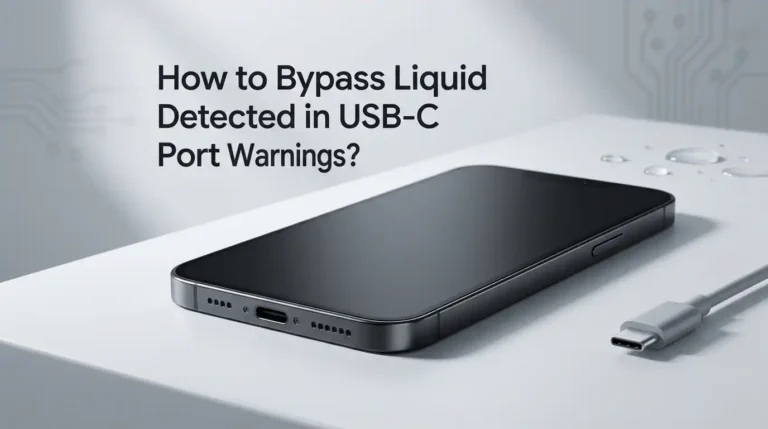
  • How to Bypass Liquid Detected in USB-C Port Warnings?
    Problem Solved

    How to Bypass Liquid Detected in USB-C Port Warnings?

    ByLola Griffin May 1, 2026May 1, 2026

    Your phone buzzes. You plug in the charger. Suddenly, a warning pops up that screams “Liquid Detected in USB-C Connector.” Your battery is at 4 percent. Your charger is fine. Your port looks dry. Yet the phone refuses to charge. Frustrating, right? This warning appears on iPhones, Pixels, Galaxy phones, and even MacBooks. It exists…

    Read More How to Bypass Liquid Detected in USB-C Port Warnings?Continue

Page navigation

Previous PagePrevious 1 … 5 6 7 8 Next PageNext
  • Home
  • About
  • Contact
  • Privacy Policy
  • Disclaimer

© 2026 Resizer Box

We are using cookies to give you the best experience on our website.

You can find out more about which cookies we are using or switch them off in .

  • Problem Solved
resizerbox.com
Powered by  GDPR Cookie Compliance
Privacy Overview

This website uses cookies so that we can provide you with the best user experience possible. Cookie information is stored in your browser and performs functions such as recognising you when you return to our website and helping our team to understand which sections of the website you find most interesting and useful.

Strictly Necessary Cookies

Strictly Necessary Cookie should be enabled at all times so that we can save your preferences for cookie settings.

Privacy Policy

More information about our Privacy Policy