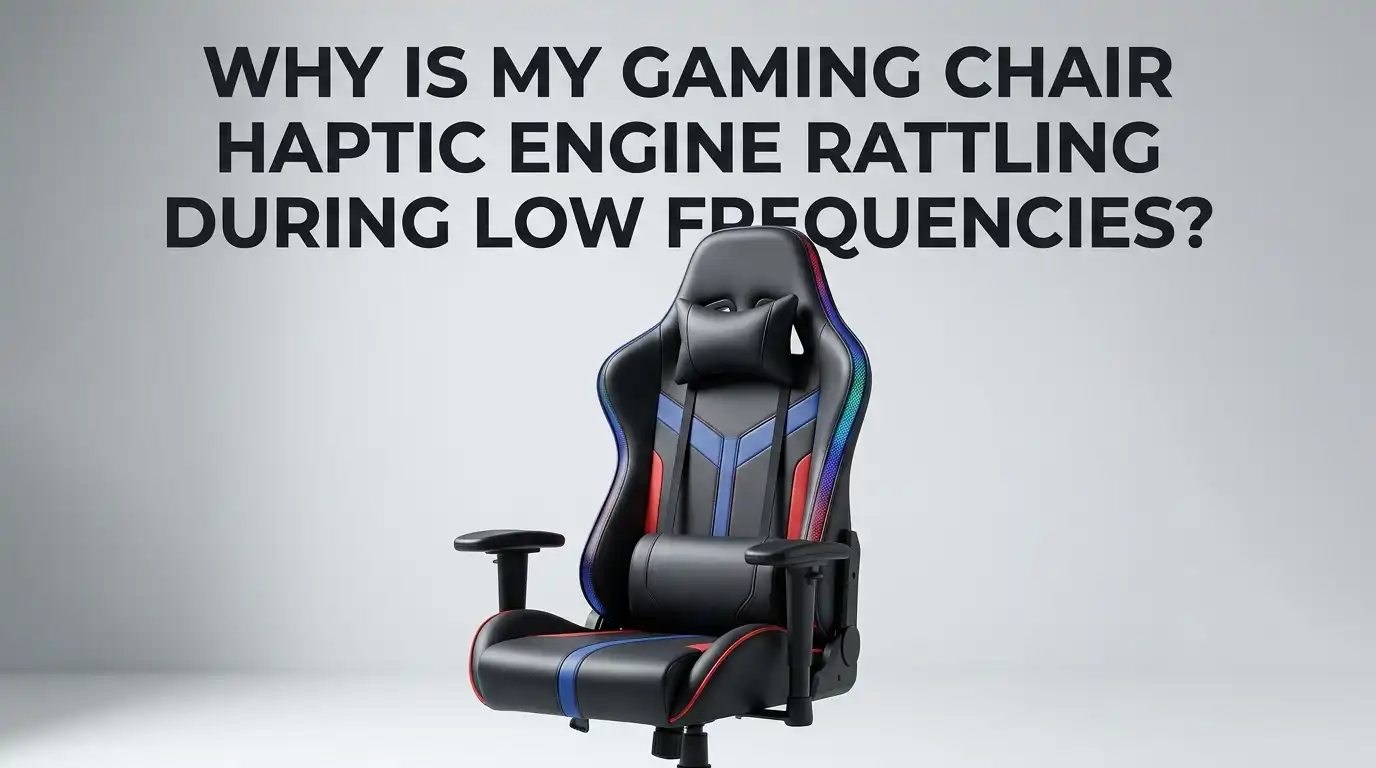
Why Is My Gaming Chair Haptic Engine Rattling During Low Frequencies?
Your gaming chair was supposed to make explosions feel real. Instead, every deep bass thump now sounds like a coin trapped inside a washing machine. That low frequency rattle ruins immersion fast, and it can also signal a real hardware problem that gets worse over time.
The good news is that most haptic engine rattles come from a small list of common causes. Loose screws, worn mounts, cracked brackets, bad audio signals, and over driven amplifiers cause most of the noise you hear. You can fix many of these issues at home in under an hour with basic tools.
This guide walks you through every likely cause and gives you clear steps to silence the rattle. You will learn how to test, isolate, and repair the problem without breaking your chair or your warranty. Let us get your immersion back.
In a Nutshell:
- Loose mounting hardware is the top cause of rattle at low frequencies. Bass frequencies below 80 Hz shake bolts loose over weeks of use. A simple retightening pass with a screwdriver solves the rattle in roughly half of all cases.
- The haptic actuator itself can develop internal damage if you push it too hard. Pushing volume above 80 percent or feeding it a clipped audio signal can warp the voice coil and create a permanent rattle that no tightening will fix.
- Foam pads, rubber washers, and isolation mounts absorb vibration and stop sympathetic rattle. Adding these between the actuator and the chair frame drastically reduces noise while keeping the punch.
- Low pass filters and crossover settings matter. Sending full range audio to a haptic engine forces it to handle frequencies it was never built for. Setting a crossover around 20 to 80 Hz protects the unit.
- Cables, plastic trim, and nearby objects often cause the rattle, not the engine itself. Always check the surrounding parts before you blame the haptic motor.
- Warranty repair is faster than DIY if your chair is under 24 months old. Do not void it unless you have already exhausted the simple fixes.
What Exactly Is a Haptic Engine in a Gaming Chair?
A haptic engine is a small motor that turns audio signals into physical vibration. It sits inside the seat base, backrest, or both, and it shakes the chair in sync with sound effects. Most gaming chairs use either a linear resonant actuator (LRA), an eccentric rotating mass motor, or a full size bass shaker (tactile transducer).
Bass shakers and LRAs handle low frequencies best because they move a weighted piston up and down. That piston is what creates the thump you feel during explosions or engine rumbles. When something interferes with that piston, you get rattle instead of a clean thump.
Understanding which type your chair uses helps you pick the right fix. Razer Enki Pro, Cooler Master Motion 1, and Next Level Racing ES1 each use slightly different actuators with different failure modes.
Why Low Frequencies Cause the Most Rattle
Low frequency sound waves carry the most energy. A 30 Hz tone moves the haptic piston through its full travel distance dozens of times per second. That motion transfers into the chair frame, the seat foam, and every screw holding the unit in place.
Higher frequencies move the piston a tiny amount very fast, so they rarely loosen hardware. Low frequencies act like a miniature earthquake under your seat. Over hundreds of hours of use, this shaking unscrews bolts, cracks plastic mounts, and tears foam.
You also hear rattle more clearly at low frequencies because human ears pick up sudden buzzing against a deep tone very easily. A loose screw at 40 Hz sounds much louder than the same screw at 400 Hz. This is why low frequency rattle feels so obvious.
Step One: Identify Where the Rattle Comes From
Before you fix anything, you must find the source. Sit in the chair and play a low frequency test tone between 20 Hz and 80 Hz at moderate volume. You can find free sweep tones on YouTube or use a tone generator app.
Press your hand firmly on different parts of the chair while the tone plays. Start with the seat base, then the backrest, then the armrests. If the rattle stops when you press a specific area, you have found the source. That spot has a loose component.
Also check around the chair. Loose cables, headphone stands, mug coasters, and even floor mats can rattle in sympathy with bass. Isolate the chair from the room first, then move to the chair itself.
Step Two: Tighten All Mounting Hardware
Loose bolts cause more haptic rattle than any other single issue. Flip your chair onto its side and locate every screw that holds the haptic engine to the frame. Most gaming chairs use four to six screws per actuator.
Use the correct size hex key or screwdriver. Stripped heads make future repairs harder. Tighten each screw in a star pattern rather than going around in a circle. This spreads pressure evenly and prevents warping.
Pros of tightening: It costs nothing, takes ten minutes, and fixes the rattle in most cases. Cons: Overtightening can crack plastic mounts or strip threads. Stop when the screw feels firm, not when it feels stuck. If a screw spins freely, the thread is stripped and needs a thread repair insert.
Step Three: Add Vibration Dampening Pads
If tightening did not solve the rattle, the actuator may be transferring vibration directly into hard plastic or metal. This creates a sympathetic buzz that sounds like the engine itself is broken when it actually is not.
Cut small squares of dense foam, rubber, or sorbothane about three millimeters thick. Place these between the actuator housing and the chair frame. Sorbothane is the best option because it absorbs vibration without softening the haptic punch.
Pros: Dampening pads kill rattle without changing how the chair feels. They also reduce stress on the screws, which prevents future loosening. Cons: You must partially disassemble the chair to install them. Cheap foam can compress over time and need replacement every six to twelve months, so spend a little more on quality material.
Step Four: Check Your Audio Signal and Crossover Settings
A clipped or full range audio signal forces the haptic engine to reproduce frequencies it cannot handle. This causes the voice coil to slap against its mechanical limits, producing a harsh rattle that sounds mechanical but is actually electrical.
Open your audio software (SimHub, Sim Pro Manager, or your chair app) and find the crossover or filter section. Set a low pass filter at around 80 Hz and a high pass filter at around 20 Hz. This keeps the signal inside the actuator safe operating range.
Also lower the gain. Most users run their haptic volume far too high. Drop it to 60 or 70 percent and see if the rattle disappears. If it does, you were overdriving the unit and risking permanent damage.
Step Five: Inspect the Haptic Engine Mounts and Brackets
Continuous low frequency vibration cracks plastic mounts and metal brackets over time. A hairline crack can produce a strong rattle even when every bolt is tight. This is one of the most common failure modes in older chairs.
Remove the haptic engine and look at its mounting bracket under bright light. Check both sides for stress marks, cracks, or enlarged screw holes. Look at the chair frame too, since the frame can crack around the mounting points.
Pros of replacing brackets: A new bracket restores full function and eliminates the rattle permanently. Cons: OEM brackets can be hard to find for older models. Third party replacement brackets exist for popular bass shaker brands, and many are machined from aluminum, which lasts longer than the original plastic.
Step Six: Test for a Damaged Voice Coil or Internal Failure
If the rattle continues at every volume level and across all frequencies, the actuator itself may be damaged. A bent piston, a displaced voice coil, or a cracked internal spring all produce rattle that no external fix can repair.
To test, disconnect the haptic engine from the chair and hold it in your hand. Send a low frequency signal through it. If you hear or feel rattle while it is free of the chair, the unit is the problem.
Pros of internal diagnosis: You confirm the real issue and avoid wasting money on chair repairs that will not help. Cons: Most haptic engines are not user serviceable. You usually need to replace the entire unit. Some bass shakers can be opened and rewired, but warranty is voided once you do this.
Step Seven: Look at Cables, Connectors, and Loose Trim
Sometimes the rattle is not the engine at all. A loose 3.5 mm audio cable, a power cable touching plastic, or a piece of trim that vibrates against another piece can mimic an internal rattle perfectly.
Run your hands along every cable while a bass tone plays. Tape any cables that touch hard surfaces to the chair frame using gaffer tape or velcro straps. Check armrest covers, backrest panels, and decorative trim for movement.
This step costs almost nothing and takes about five minutes. Pros: Quick, free, and often the real fix. Cons: You may need to repeat the inspection every few months as cables shift with use. A one time setup with proper cable management prevents most repeat issues.
Step Eight: Update Firmware and Driver Software
Modern haptic chairs use firmware to control how the actuator responds to signals. Outdated firmware can send harsh waveforms that cause rattle, especially during low frequencies. Manufacturers release updates that smooth the response curve.
Visit your chair manufacturer support page and check for firmware updates. Razer, Cooler Master, and Next Level Racing all push regular updates through their companion apps. Read the patch notes before installing, since some updates change the haptic feel.
Pros: Firmware fixes are free, fast, and can solve rattle without any physical work. Cons: A bad update can sometimes make rattle worse. Always keep a backup of the previous firmware version if your software allows it. Roll back if the new version causes problems.
Step Nine: Manage Heat Around the Haptic Engine
Heat warps plastic parts and softens adhesives that hold the actuator together. A haptic engine that runs hot for hours can develop internal play that shows up as low frequency rattle. This is most common in chairs with poor ventilation.
Feel the haptic engine after an hour of heavy use. If it feels hot to the touch (above 50 degrees Celsius), it is running too hot. Improve airflow by not blocking the seat vents and giving the chair breaks during long sessions.
You can also reduce drive level to keep the unit cooler. Pros: Heat management extends the life of the actuator and prevents permanent damage. Cons: You may need to accept slightly weaker haptic feedback to keep temperatures safe. A small USB fan aimed at the seat base also helps in hot rooms.
When to Replace the Haptic Engine Entirely
If you have tried every fix and the rattle remains, the actuator has reached the end of its useful life. Most haptic engines last between three and seven years under normal use. Heavy daily use shortens that lifespan.
Replacement units are widely available for popular brands. Bass shakers from established audio brands can replace OEM units in most chairs with simple wiring. Pros: A new unit restores full haptic performance and often sounds better than the original. Cons: Costs range from 40 to 200 USD depending on the model. Installation may require basic soldering and chair disassembly.
Check warranty status first. If your chair is still covered, contact the manufacturer before doing anything that voids the warranty. Warranty replacement is almost always the cheapest path.
Frequently Asked Questions
Is a rattling haptic engine dangerous to keep using?
It is not a safety risk to you, but it will damage the actuator faster. A rattling unit means parts are moving in ways they should not. Continued use accelerates wear and can lead to complete failure within weeks. Fix it sooner rather than later.
Can I use WD 40 or grease on my haptic engine?
No. Haptic engines use a sealed magnetic motor and a precision piston. Lubricants attract dust, contaminate the voice coil, and ruin the unit. Only use lubricant on chair mechanical parts like recline mechanisms, never on the haptic actuator itself.
Why does the rattle only happen with certain games or songs?
Some content has stronger low frequency peaks than others. Movies with heavy bass and racing games with deep engine sounds push the actuator hardest. If rattle only appears with specific content, your engine is fine but the input signal is too aggressive. Lower the volume or adjust crossover settings.
How long should a gaming chair haptic engine last?
A quality haptic engine lasts between three and seven years with normal use. Daily heavy use for sim racing or long gaming sessions can cut that to two or three years. Regular maintenance, proper signal levels, and dampening pads can extend life significantly.
Does the rattle mean my warranty covers replacement?
Most manufacturer warranties cover defects but not normal wear. If the rattle started within the first year, you usually qualify for free repair or replacement. After that, coverage depends on the brand. Contact support with a video recording of the rattle to speed up your claim.

Hi, I’m Lola Griffin 👩💻, the voice and creator behind ResizerBox. I’m a passionate tech enthusiast who loves exploring the latest gadgets, smart devices, and trending Amazon electronics. Through my reviews, I share honest insights, real-world testing experiences, and practical buying advice to help readers make confident tech choices.