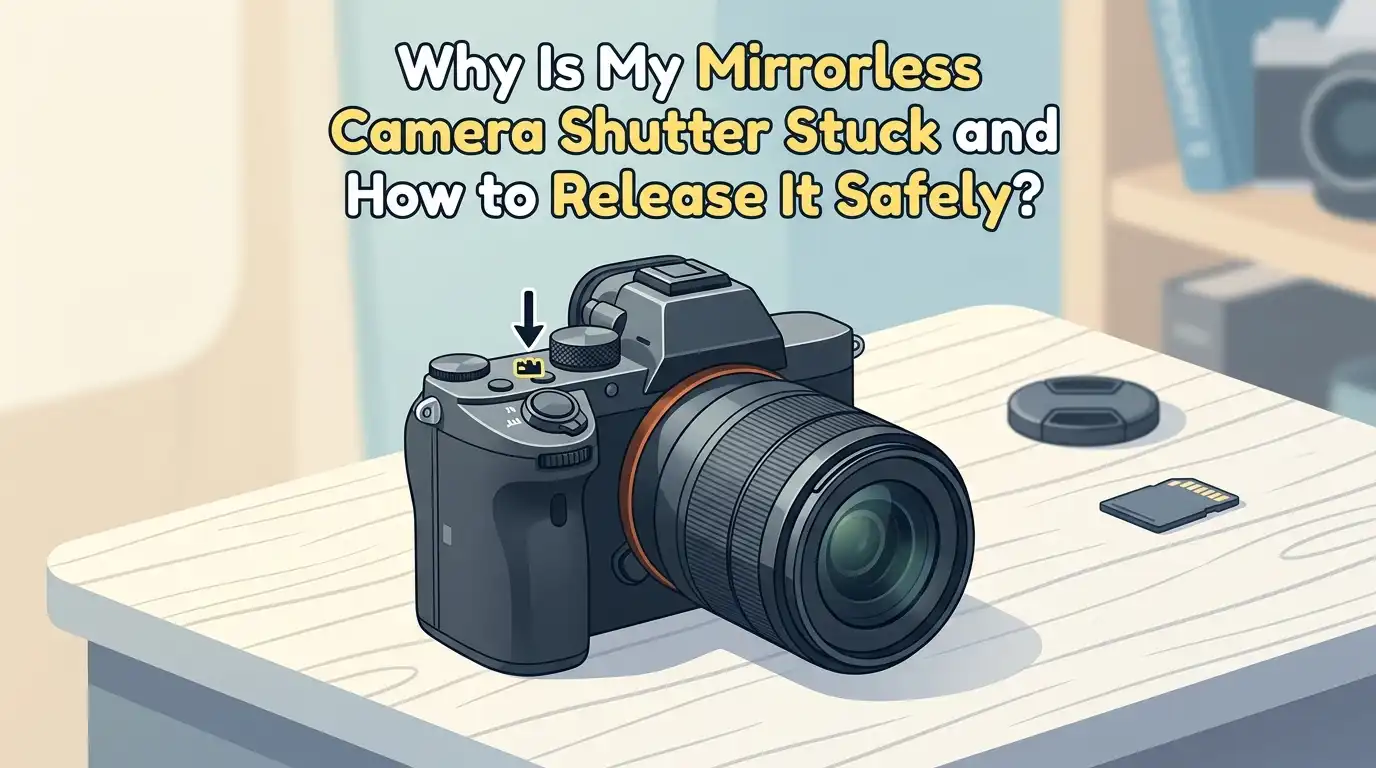
Why Is My Mirrorless Camera Shutter Stuck and How to Release It Safely?
You picked up your mirrorless camera, pressed the shutter button, and nothing happened. Maybe the shutter blades sit frozen in front of the sensor. Maybe an error flashes on the screen.
Maybe the camera makes a soft buzzing sound and then dies. This problem feels scary because the shutter is one of the most delicate parts inside any camera.
This guide walks you through every safe step in plain language. You will learn what causes the jam, how to release the shutter without damage, and when to stop and call a pro.
In a Nutshell:
- Most stuck shutter problems come from drained batteries, dirty contacts, or a confused firmware loop. A simple battery reset fixes a huge number of cases, so always start there.
- Never touch the shutter blades with your fingers, cotton swabs, or any hard tool. The blades are thinner than paper and bend with the lightest pressure, which leads to expensive repairs.
- Error messages like “Press shutter release button again” or “Turn camera off and on” often point to a power glitch, not a broken part. A full reset, including pulling the battery for several hours, usually clears these messages.
- Cold weather, sand, moisture, and old lubricant are the top physical causes of a jammed mirrorless shutter. Each cause needs a different cleaning method.
- Shutter count matters. Most mirrorless shutters last between 100,000 and 500,000 actuations. If you are near that range, the part may simply be worn out and need replacement.
- Mechanical shutters fail more often than electronic shutters. Switching to electronic shutter mode in your menu can sometimes get you shooting again while you plan a repair.
Understanding How a Mirrorless Shutter Works
A mirrorless camera uses a focal plane shutter that sits right in front of the image sensor. It has two thin curtains made of carbon fiber or metal blades. When you press the button, the first curtain drops, the sensor records light, and the second curtain closes the gap.
Some mirrorless cameras also offer an electronic shutter. This mode skips the moving curtains and reads light straight from the sensor. Knowing which mode you use matters, because a stuck mechanical shutter still lets you shoot with the electronic option in many models.
When the shutter jams, the curtains stop in the middle of their travel. The camera locks up to protect itself. Understanding this basic design helps you spot the real problem instead of guessing.
Common Signs That Your Shutter Is Stuck
You need to know what a stuck shutter looks like before you can fix it. The signs vary by brand and model, but a few patterns show up again and again.
The most obvious sign is a black or partly black image. You see a dark band across the photo because one curtain failed to move. Another clue is a buzzing or clicking sound that repeats when you turn the camera on. Some cameras flash an error code on the rear screen.
You may also notice the live view freezing, the camera refusing to power down, or the lens failing to focus. Take a quick photo of the shutter area through the lens mount before you do anything. That picture helps a technician later if you need professional service.
Cause 1: Drained or Faulty Battery Power
A weak battery is the number one reason a mirrorless shutter freezes mid travel. The shutter motor needs a strong, steady current to complete its full cycle. When voltage drops, the curtains stop halfway and the camera locks.
Cheap third party batteries cause this issue more than original ones. They often report a false charge level and then collapse under load. Always test with a fully charged original battery first. Swap batteries even if your current one shows bars on the screen.
Pros of starting with a battery check: it costs nothing, takes one minute, and solves a large share of cases. Cons: if you only own one battery, you cannot rule it out without buying or borrowing another. Still, this step should always come first.
Cause 2: Dirt, Dust, and Sand Inside the Shutter Box
Tiny particles cause big problems for moving curtains. A single grain of sand can wedge between the blades and stop the whole mechanism. Beach trips, desert shoots, and dusty hikes raise the risk.
You can spot debris by looking through the open lens mount with a flashlight. Hold the camera face down so loose dust falls out instead of in. Use a hand blower, never canned air, because canned air shoots propellant that can freeze and warp the blades.
Pros of blower cleaning: safe, cheap, and effective for loose dust. Cons: it will not move stuck grains that are already lodged between curtains. If a blower does not help, stop and move to the next steps rather than poking around inside.
Cause 3: Moisture and Humidity Damage
Water and humid air create two problems. They can short out the shutter control board, and they can rust the tiny springs that pull the curtains. Both issues lock the shutter in place.
If your camera got wet, remove the battery and memory card right away. Place the body in a sealed bag with fresh silica gel packets for at least 48 hours. Some users try uncooked rice, but rice dust can enter the camera and make things worse.
Pros of the silica gel method: it pulls moisture out slowly and safely without adding new debris. Cons: it cannot reverse corrosion that has already started. If the camera was fully submerged or hit by salt water, skip the home fix and head straight to a repair center.
Step by Step: The Safe Soft Reset Procedure
A soft reset clears most electronic shutter errors without any risk to the hardware. Follow these steps in order and do not skip any of them.
First, turn the camera off using the power switch. Second, remove the lens and cap the body. Third, take out the battery and the memory card. Fourth, press and hold the shutter button for 30 seconds with no battery inside. This drains any leftover charge from the capacitors.
Fifth, wait at least 15 minutes. Sixth, insert a fully charged battery and turn the camera on without a lens attached. If the shutter cycles normally now, attach the lens and test again. This method fixes confused firmware in a large share of cases and costs you nothing but time.
Step by Step: The Hard Reset and Firmware Refresh
If the soft reset fails, the next safe option is a hard reset through the menu. Every brand calls this option something different. Sony labels it “Setting Reset,” Canon uses “Clear Settings,” Nikon offers “Reset All Settings,” and Fujifilm names it “Reset.”
Choose the full factory reset, not just the shooting menu reset. After the reset, check your firmware version against the maker’s website. An outdated firmware version sometimes causes shutter timing errors that a new update fixes.
Pros: a firmware update can fix known shutter bugs that the maker has already patched. Cons: you lose your custom settings and may need a charged battery and a card with enough space. Always update with a fresh battery to avoid a failed flash that bricks the camera.
How to Switch to Electronic Shutter as a Workaround
If the mechanical shutter still refuses to fire, your camera may still work in electronic shutter mode. This mode bypasses the stuck curtains and reads the sensor directly. You can keep shooting while you plan a repair.
Open the shooting menu and look for “Shutter Type” or “Silent Shooting.” Set it to Electronic or Silent. Test with a quick shot of a still object. If the picture saves normally, the mechanical part is the only failed piece.
Pros of using electronic shutter: you can keep working, the mode is silent, and it allows very fast speeds. Cons: electronic shutters can show rolling shutter distortion on fast moving subjects, banding under LED lights, and limited flash sync. Use it as a bridge, not a permanent fix.
When to Try Gentle Manual Release Methods
Some users report freeing a lightly stuck shutter by tapping the camera body in a controlled way. This trick only works for very mild jams and carries real risk. Try it only after the steps above have failed and only if you accept the chance of further damage.
Hold the camera firmly with the lens mount facing down. Tap the side of the body gently against the soft palm of your other hand. Do not strike a hard surface. Power the camera on after each tap and check the shutter.
Pros: this can dislodge a tiny particle without opening the camera. Cons: too much force can bend the curtains, knock loose internal screws, or crack the sensor cover glass. If two or three light taps do nothing, stop. Forcing it will turn a small repair into a total loss.
What You Should Never Do to a Stuck Shutter
Some popular online tips will destroy your camera. Knowing what to avoid is just as important as knowing what to try. Skip every one of these so called fixes.
Never touch the shutter blades with your fingers, a cotton swab, a brush, or a sensor swab. The blades bend at the lightest pressure and cannot be straightened. Never spray cleaning fluid, contact cleaner, or alcohol into the shutter area. Liquids drip onto the sensor and the control board.
Do not use canned air, vacuum cleaners, or hair dryers. Heat warps the blades, suction can pull them out of alignment, and propellant leaves residue. Do not try to pry the curtains open with any tool. If a step feels risky, it is risky. Stop and call a professional.
Checking Your Shutter Count and Wear Limit
Every shutter has a rated life. Manufacturers test their mechanical shutters to a set number of actuations, often between 100,000 and 500,000 depending on the model. Pro bodies last longer than entry level ones.
You can check your shutter count using free tools online. Sony users can read the EXIF data of a recent photo with sites like apotelyt or camerashuttercount. Canon and Nikon owners can use similar services. A count near the rated limit means the part is simply worn out.
Pros of checking the count: you learn whether to repair or replace the whole camera. Cons: some newer cameras hide the count from EXIF data, which makes the check harder. If your camera is near end of life, a shutter replacement may cost almost as much as a used body.
When to Take Your Camera to a Repair Shop
Some problems are beyond a safe home fix. Knowing when to stop saves money and protects your gear. Bring your camera to an authorized service center in these cases.
Take it in if you see bent or torn shutter blades through the lens mount. Take it in if the camera was dropped, submerged, or exposed to salt water. Take it in if the shutter count is near the rated limit, because a worn motor will fail again soon even if you free it once.
Pros of pro repair: technicians have clean rooms, the right tools, and genuine parts. Cons: costs range from 150 to 500 US dollars, and turnaround can take two to four weeks. Always ask for a quote before you approve the work.
How to Prevent Shutter Problems in the Future
Prevention costs far less than repair. A few small habits keep your shutter healthy for years. Build them into your normal routine and you will rarely face a stuck shutter again.
Change lenses with the body facing down so dust falls away. Store the camera in a dry box or with silica gel during humid months. Use the electronic shutter for casual shots and save the mechanical one for moments that need it. This cuts wear in half or more.
Pros of these habits: longer shutter life, fewer dust spots, and lower repair bills. Cons: they take a little extra time and one or two cheap accessories. The trade is worth it. Treat your shutter like the precision instrument it is, and it will serve you well.
Frequently Asked Questions
Can I fix a stuck mirrorless shutter without opening the camera?
Yes, in most cases. A battery swap, a soft reset, a menu reset, and a firmware update solve a large share of stuck shutter problems. These steps never require opening the body. Only try internal cleaning with a hand blower through the open lens mount, never with tools.
How much does a mirrorless shutter replacement cost?
Costs range from around 150 to 500 US dollars depending on the brand and model. Pro bodies and high end mirrorless cameras sit at the top of that range. Always get a written quote from an authorized service center before you approve the work.
Will using electronic shutter mode damage my camera?
No. Electronic shutters cause no mechanical wear because no parts move. They can show rolling shutter distortion on fast subjects and banding under some lights, but they will not harm the camera. Many photographers use electronic shutter as their main mode.
How do I know if my shutter is worn out or just stuck?
Check your shutter count using a free online EXIF reader. A count near the maker’s rated limit points to wear. A camera with a low count that suddenly jams after a dusty trip or a cold morning is more likely just stuck and can often be reset at home.
Can cold weather cause a mirrorless shutter to stick?
Yes. Lubricants inside the shutter thicken in freezing temperatures, which slows the curtains and can cause a jam. Warm the camera slowly to room temperature inside a sealed bag to avoid condensation, then try the shutter again. Keep spare batteries warm in an inside pocket during cold shoots.
Should I try to clean the shutter blades myself?
No. The blades are extremely thin and bend with the lightest touch. Never use swabs, brushes, fluids, or canned air on them. Only a hand blower from a safe distance is acceptable. Anything more invasive belongs in the hands of a trained technician.

Hi, I’m Lola Griffin 👩💻, the voice and creator behind ResizerBox. I’m a passionate tech enthusiast who loves exploring the latest gadgets, smart devices, and trending Amazon electronics. Through my reviews, I share honest insights, real-world testing experiences, and practical buying advice to help readers make confident tech choices.