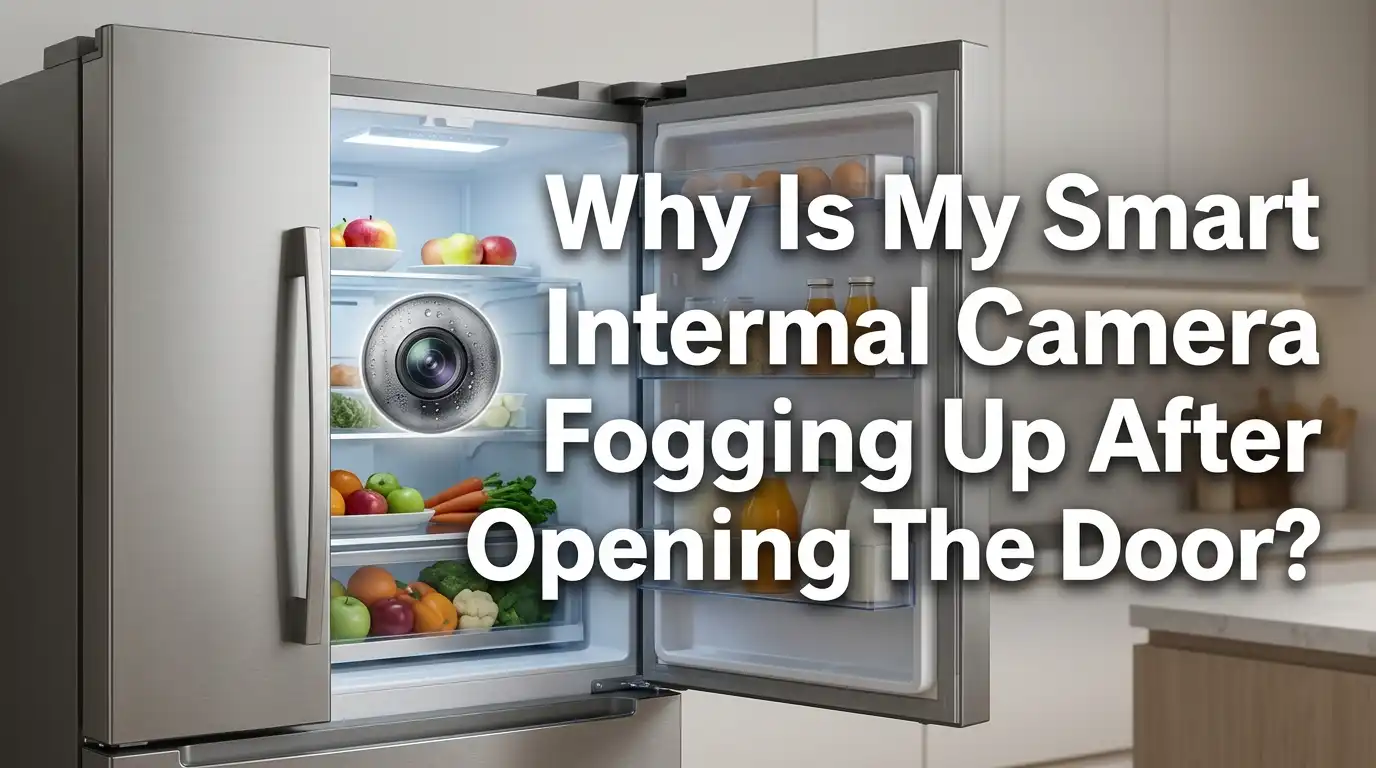
Why Is My Smart Fridge Internal Camera Fogging Up After Opening The Door?
Your smart fridge promised easy food tracking. You open the door, glance at your phone, and instead of fresh groceries, you see a blurry gray cloud. The internal camera fogged up again. This is frustrating, and you are not alone.
Thousands of smart fridge owners face this exact problem. The good news is that camera fog is almost always a simple physics issue, not a broken device. Warm room air meets a cold lens, and moisture forms. That is the short version.
In this post, I will explain why your camera fogs up after you open the door. I will give you clear, step by step fixes you can do today.
Key Takeaways
- Temperature difference causes the fog. When you open the door, warm humid kitchen air rushes in and hits the cold camera lens. This creates condensation, just like a cold glass of water sweats on a hot day.
- Most fogging is temporary and harmless. The lens usually clears on its own within a few minutes once the fridge returns to its set temperature.
- A worn door seal makes it worse. A loose or dirty gasket lets warm air leak in constantly, so the camera fogs more often and stays foggy longer.
- High humidity inside the fridge is a major trigger. Uncovered food, wet produce, and overpacked shelves raise moisture levels and feed the fog.
- Simple habits fix most cases. Wiping the lens with an anti fog cloth, closing the door faster, and covering your food can dramatically reduce fogging.
- Persistent fog may signal a hardware fault. If cleaning and prevention fail, the camera seal or the fridge cooling system may need professional attention.
What Actually Causes Your Smart Fridge Camera To Fog Up
The core reason is condensation. Your camera lens sits inside a very cold space. When you open the door, warm room air enters fast. That warm air carries water vapor.
The moment this warm, moist air touches the cold lens, the air cools down. Cooler air cannot hold as much water. So the extra water turns into tiny droplets on the glass. This is the same effect you see on a bathroom mirror after a hot shower.
The key concept here is the dew point. This is the temperature at which air becomes saturated and water starts to form. Your cold camera lens often sits below the dew point of your kitchen air. So fog appears instantly. The bigger the temperature gap between your room and your fridge, the worse the fog will be.
Why It Happens More After You Open The Door
Opening the door is the trigger event. While the door stays shut, the air inside stays cold, dry, and stable. The camera lens matches that environment, so no fog forms.
The second you open the door, everything changes. Warm air floods in within seconds. This air is full of moisture from cooking, dishwashing, and normal room humidity. It rushes straight onto the cold lens and fogs it up.
The longer you hold the door open, the more warm air enters. A quick peek causes light fog that clears fast. A long search for the ketchup lets in much more humid air. This is why fogging feels worse during busy cooking sessions. Closing the door quickly is one of the simplest ways to reduce the problem.
How To Tell If The Fog Is Normal Or A Real Problem
Not all fog is bad. You need to know when to relax and when to act. Normal fog clears on its own. After you close the door, the fridge cools the air again. The lens warms slightly to match, and the droplets evaporate within two to ten minutes.
Problem fog behaves differently. It stays for a long time, returns constantly, or appears even when the door has been closed for hours. This points to a deeper issue.
Watch for these warning signs: fog that lasts over thirty minutes, water droplets pooling inside the camera housing, or fog combined with frost on your food. If you see moisture trapped behind the lens glass itself, that signals a sealing fault in the camera unit. That case needs more than a quick wipe.
Step By Step: Clean The Camera Lens The Right Way
A dirty lens holds moisture longer and looks foggy even when dry. Cleaning it is your first easy fix. Follow these steps carefully.
First, power down the camera feature through your fridge app or panel if possible. Next, locate the internal camera. It usually sits on the upper inside wall or door. Then take a clean, dry microfiber cloth. Gently wipe the lens in small circles. Never use paper towels, as they scratch the glass.
For stubborn film, breathe lightly on the lens and wipe again. Avoid spraying any liquid directly onto the camera. If you use a cleaner, apply a tiny amount to the cloth first, not the lens.
Pros: Free, fast, and safe. Often solves cloudy images instantly.
Cons: Only treats surface buildup. It will not stop fog caused by humidity or temperature gaps.
Use An Anti Fog Cloth Or Coating On The Lens
If cleaning is not enough, an anti fog treatment helps the lens shed moisture. These products leave a thin invisible layer on the glass. This layer stops water from forming into a cloudy film. Instead, moisture spreads into a clear sheet you can see through.
To use one, clean the lens first with a dry microfiber cloth. Then gently rub an anti fog cloth over the lens for a few seconds. Let it air dry. The coating can last several days to a couple of weeks per application.
Pros: Cheap, easy, and very effective at reducing visible fog. Works well for fridges in humid kitchens.
Cons: The effect fades and needs reapplying. Some coatings are not rated for cold or food safe areas, so check the label. Always pick products safe for food storage spaces.
Check And Fix Your Door Seal (Gasket)
A faulty door seal is a top hidden cause of constant fogging. The gasket is the rubber strip around the door that keeps cold air in and warm air out. When it wears out, warm humid air leaks inside all the time.
To test it, close the door on a sheet of paper. Pull the paper out. If it slides out easily, the seal is weak at that spot. Repeat this test around the whole door.
Clean the gasket with warm soapy water to remove dirt and food bits. A clean seal grips better. If it is cracked or loose, you can replace it. Many gaskets simply pull off and press back on.
Pros: Fixes a root cause, improves cooling, and lowers energy bills.
Cons: Replacement gaskets cost money, and fitting them takes patience and care.
Reduce The Humidity Inside Your Fridge
High internal moisture feeds the fog. Lowering it makes a big difference. Uncovered food is the biggest culprit. Soups, fruits, and leftovers release water vapor into the air.
Start by covering all liquids and moist foods with lids or wrap. This traps the moisture in the container, not on your lens. Wet vegetables also add humidity, so pat them dry before storing them.
Next, check your crisper drawer settings. Use the low humidity setting for items that rot fast. Do not leave spills sitting inside. Wipe them up right away.
Pros: Free, improves food freshness, and reduces fog and frost together.
Cons: Requires ongoing habit changes. You must stay consistent for it to work long term.
Improve Airflow And Avoid Overpacking
Good air circulation keeps moisture moving and prevents it from settling on the lens. Overpacking blocks the vents. When air cannot flow, humid pockets form near the camera and cause fog.
Find the vents inside your fridge. They look like slots or grilles on the back or side walls. Never stack food directly against these vents. Leave a small gap so cold air can travel freely.
Try to keep your fridge between half and three quarters full. This balance helps it cool evenly. An empty fridge loses cold air fast, while a packed one traps warm humid air.
Pros: Costs nothing, boosts cooling efficiency, and reduces fog naturally.
Cons: You may need to store less food or reorganize shelves often.
Adjust Your Fridge Temperature Settings
Your temperature setting affects how big the gap is between inside and outside air. A very cold fridge creates more fog because the lens gets much colder than the room.
Check your current setting. The ideal fridge temperature is around 37 to 40 degrees Fahrenheit, or about 3 to 4 degrees Celsius. Setting it far colder than this does not keep food safer, but it does worsen condensation.
If your fridge runs much colder, raise it slightly within the safe range. This shrinks the temperature gap and reduces how fast the lens fogs when you open the door.
Pros: Simple to do and can lower both fogging and energy use.
Cons: Going too warm risks food safety, so stay inside the recommended range. This fix alone rarely solves heavy fogging.
Limit How Long And How Often You Open The Door
Your habits matter more than you think. Every door opening invites warm air inside. The longer the door stays open, the more moisture lands on the lens.
Try to decide what you need before you open the door. Grab items quickly and close it right away. Avoid standing with the door open while you think. This single change reduces fog dramatically in many homes.
Also, group your trips. Instead of opening the door five times in ten minutes, get everything at once. This keeps the inside air cold and stable.
Pros: Completely free, instant results, and saves energy too.
Cons: It takes discipline and a small change in routine. Other people in your home need to follow the habit as well.
When To Reset Or Update Your Smart Fridge System
Sometimes the lens is fine, but the software shows a stale or blurry image. A glitch in the camera feed can look like fog when it is really a digital error. A reset or update often fixes this.
First, check your fridge app for a software update. Manufacturers release fixes for camera bugs. Install any available update.
Next, try a camera reset. Many models have a small reset switch inside the door, often under a plastic cover near the top. Hold it for about ten seconds to refresh the system. You can also restart the fridge panel through the settings menu.
Pros: Solves software based image problems quickly and costs nothing.
Cons: It does not help with real physical fog. Resetting wrongly could disrupt other smart features, so follow your manual.
When To Call A Technician Or Use The Warranty
Some fog signals a hardware fault you should not fix alone. If moisture sits behind the lens glass, the camera seal has failed. No cleaning will remove internal condensation. This needs professional repair or part replacement.
Call a technician if you see constant fog despite all the steps above, water pooling inside the camera housing, or fog paired with poor cooling. These point to a sealing or cooling system fault.
Check your warranty first. Smart fridges often carry coverage for camera and electronic parts. A covered repair saves you a large bill. Contact the manufacturer before paying a third party.
Pros: Fixes deep faults safely and may cost nothing under warranty.
Cons: Out of warranty repairs can be expensive. You may also wait days for a service visit.
Smart Habits To Prevent Camera Fog Long Term
Prevention beats repair. A few steady habits keep your lens clear for good. Cover your food, dry your produce, and close the door fast. These three habits stop most fog before it starts.
Wipe the camera lens once a week with a dry microfiber cloth. This stops film buildup. Reapply an anti fog coating when you notice the effect fading.
Check your door seal every month by running the paper test. Keep the gasket clean and supple. Keep your vents clear and your fridge well organized, not overpacked.
Pros: Stops the problem at the source and keeps your smart features working well.
Cons: Requires regular small efforts. You will not see results if you skip the routine. Still, the time cost is tiny compared to the payoff.
Frequently Asked Questions
Is camera fog harmful to my smart fridge?
No, light fog is usually harmless. It is normal condensation that clears on its own. The only concern is moisture trapped inside the camera housing, which can damage electronics over time and needs repair.
How long does the fog take to clear after I close the door?
Most fog clears within two to ten minutes. The fridge cools the air again, and the droplets evaporate. If fog lasts over thirty minutes, you likely have a humidity or seal problem.
Can I use glass cleaner on my fridge camera lens?
Avoid spraying cleaner directly on the lens. Apply a tiny amount to a microfiber cloth instead. Many household cleaners are not food safe, so choose a product rated for use inside fridges or lenses.
Does a warmer kitchen make the fogging worse?
Yes. A warm, humid kitchen raises the dew point of the air. When that air hits the cold lens, more moisture forms. Cooking, boiling water, and dishwashing all increase kitchen humidity and fogging.
Will anti fog cloths damage my fridge camera?
No, most anti fog cloths are safe for glass lenses when used gently. Just confirm the product is non toxic and food safe since it sits inside your food storage area. Test a small spot first if unsure.
Why does my camera fog up even when the door stays closed?
This is not normal and points to a deeper issue. A worn door seal lets warm air leak in constantly. It can also mean high internal humidity or a failing camera seal that traps moisture inside the unit.
Should I turn off the camera to stop the fog?
Turning it off does not stop physical fog, since that is a temperature issue. A reset or update only helps with software glitches. Focus on the door seal, humidity, and cleaning for real fog.

Hi, I’m Lola Griffin 👩💻, the voice and creator behind ResizerBox. I’m a passionate tech enthusiast who loves exploring the latest gadgets, smart devices, and trending Amazon electronics. Through my reviews, I share honest insights, real-world testing experiences, and practical buying advice to help readers make confident tech choices.