
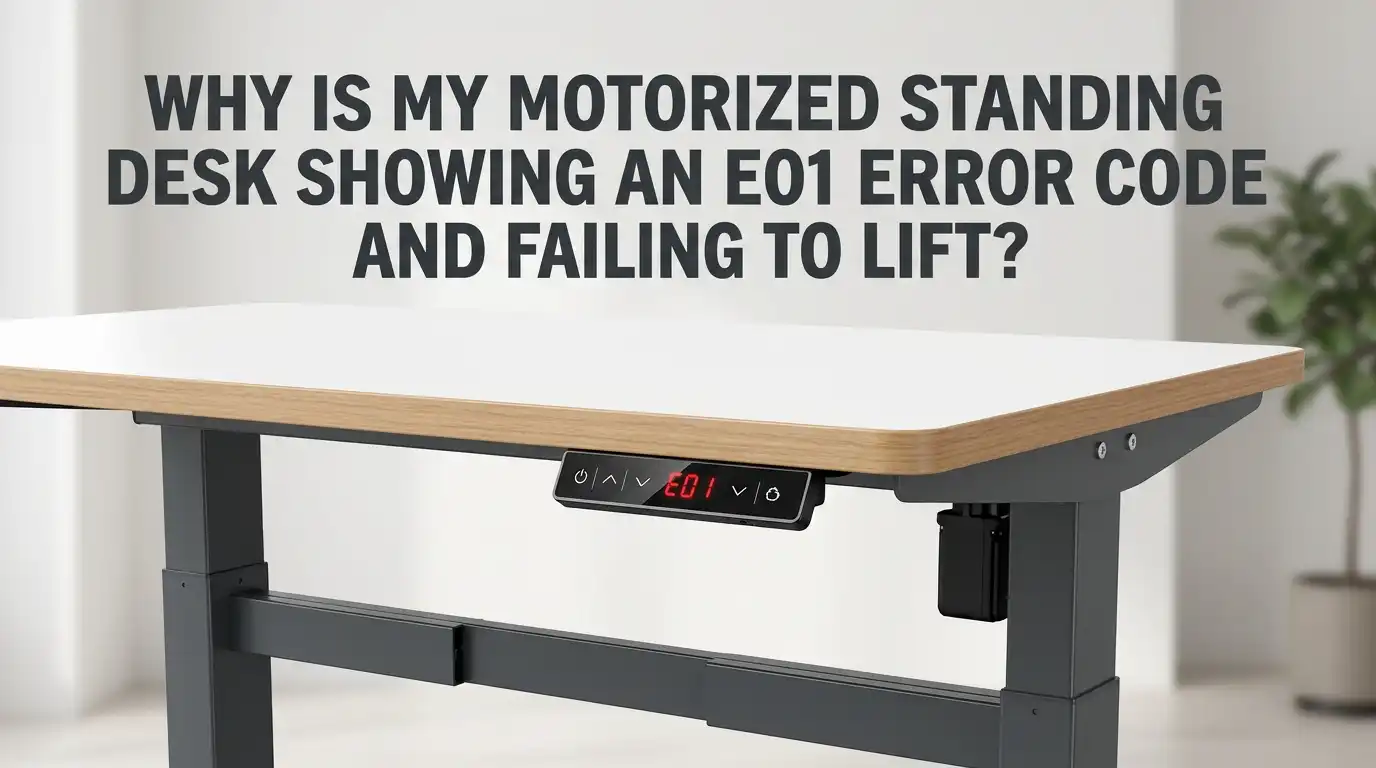
Why Is My Motorized Standing Desk Showing an E01 Error Code and Failing to Lift?
Your motorized standing desk just stopped lifting. The display flashes E01. You press the buttons. Nothing happens. Frustrating, right?
You are not alone. The E01 error code is one of the most common issues reported by standing desk owners across brands like FlexiSpot, UPLIFT, Vari, Fezibo, Progressive Desk, and Eureka.
The good news is that this error rarely means your desk is broken. In most cases, you can fix it yourself in under 20 minutes without tools or technical skills.
This guide walks you through every cause, every fix, and every preventive step. Keep reading, because the solution to your problem is just a few scrolls away.
Key Takeaways
- The E01 code usually means over current protection has triggered. The control box detected too much power draw and shut the motor down to protect itself.
- The most common cause is overloading the desk or pushing the motor past its duty cycle (running it up and down too many times in a row).
- A simple power cycle and reset procedure fixes the issue about 70 percent of the time. Unplug the desk for 15 to 20 minutes, then hold the down button to perform a manual reset.
- Loose cables, uneven legs, or a stuck obstruction underneath the desk can also trigger E01. Always check the physical setup before assuming the control box is faulty.
- If the error returns after a reset, the control box or motor cable may be defective. Contact the manufacturer for warranty support before buying replacement parts.
- Preventive habits like respecting weight limits, clearing the floor, and avoiding rapid up and down cycles will stop E01 from coming back.
What Does the E01 Error Code Actually Mean?
The E01 error code is a safety signal from your desk’s control box. It tells you the system detected an over current event or an internal power fault. The motor pulled more electricity than the board allows, so the board shut everything down.
Think of it like a circuit breaker tripping in your home. The desk is protecting its own electronics from damage. This is actually a good thing, because the alternative would be a burnt motor or a fried control box.
Different brands describe E01 slightly differently. Vari calls it Over Current Protection. Progressive Desk lists it as a power supply or internal programming fault. FlexiSpot treats it as a thermal or current cutoff. The fix is similar across all of them.
Why Your Desk Refuses to Lift After Showing E01
When the E01 error appears, the motor lockout stays active until the system resets. Pressing the up button will do nothing. The desk treats every command as unsafe until the fault clears.
The lockout exists for three reasons. First, it prevents motor burnout. Second, it stops the gearbox inside each leg from stripping under stress. Third, it protects the H bridge transistors on the control board, which are expensive to replace.
So when your desk will not move, it is following its programming. The desk is not dead. It is waiting for you to clear the fault before it allows movement again. Once you complete the reset, the lockout releases and the lift function returns to normal.
Common Causes Behind the E01 Error Code
Several real world conditions push your desk into the E01 state. The first cause is overloading. If you stack monitors, heavy books, a CPU tower, and a thick desktop, you might exceed the rated weight.
The second cause is duty cycle abuse. Most motorized desks have a duty cycle of about 2 minutes on and 18 minutes off. Running the desk up and down repeatedly heats the motors and trips the protection circuit.
The third cause is a physical obstruction. A drawer, a filing cabinet, or even a cable that gets caught under the desk can stall the legs. Loose wiring at the motor port is another common trigger. Voltage drops from a weak power strip can also confuse the control box into reading the situation as an over current event.
Step 1: Power Cycle Your Standing Desk the Right Way
The first fix is the easiest one. Unplug your desk from the wall outlet completely. Do not just turn off the switch on a power strip. Pull the plug from the socket.
Wait for at least 15 to 20 minutes. This wait time matters. The capacitors inside the control box need time to fully discharge. Some users report that 13 minutes works for FlexiSpot models and 20 minutes works for Progressive Desk and Eureka models. Waiting longer never hurts.
After the wait, plug the desk back in. Try pressing the up button. If the desk moves normally, you are done. If the E01 error returns, move on to the next step.
Pros: This method is free, fast, and works most of the time.
Cons: You lose your memory presets on some models, and the wait time can feel long.
Step 2: Perform a Manual Reset Procedure
If a power cycle alone did not work, you need to run a full reset procedure. This recalibrates the leg height sensors and clears stored error states inside the control box.
Start by clearing everything from under the desk. Then press and hold the down arrow on the keypad for around 10 seconds. The display should show ASr or RST depending on your brand. Release the button.
Now press and hold the down arrow again. The desk will lower slightly, then rise slightly, then stop. This double bounce is the reset confirmation. Release the button and try moving the desk. Seven out of ten desks recover at this step.
Pros: Restores factory calibration and clears stuck error codes.
Cons: Wipes saved height presets, and some keypads use slightly different button combinations.
Step 3: Inspect the Cables and Connections
If the reset failed, the issue is likely physical. Unplug the desk first. Safety comes before anything else. Then crawl under the desk and look at every cable.
Check the motor cables that connect each leg to the control box. They should click into the M1 and M2 ports firmly. A loose cable creates intermittent current spikes that the board reads as an over current fault.
Also check the power cable, the keypad cable, and any accessory cables. Reseat each one by unplugging it and plugging it back in. Look for bent pins, frayed wires, or burn marks. If you spot damage, that specific cable needs replacement.
Pros: Solves communication errors that resets cannot fix.
Cons: Requires you to get under the desk and work with small connectors.
Step 4: Check for Overloading and Weight Limits
Every motorized desk has a published weight capacity. Common limits sit between 155 pounds and 355 pounds depending on the model. The weight of your desktop counts toward the limit, not just the items you place on top.
Remove your monitors, your CPU, your speakers, and anything else heavy. Try lifting the desk without any load. If it moves, you found your culprit. If it still shows E01, the weight is not the issue.
Heavy loads also wear out the motors over time. A desk that struggles at half capacity today may fail completely in a year. Stay well below the rated limit if you want long term reliability.
Pros: Easy diagnostic that requires no tools.
Cons: You have to temporarily clear your workspace, which is inconvenient.
Step 5: Look for Physical Obstructions Under the Desk
A blocked leg will trigger E01 instantly. The motor tries to push against the obstruction, draws extra current, and the board shuts everything down to prevent damage.
Walk around the desk and look at every side. Pull out filing cabinets, trash bins, paper boxes, and cable trays. Check that your chair is not wedged under the frame. Even a thick rug can sometimes catch the bottom of a leg.
Also look at the cables themselves. A power cord caught between the leg and the floor can stop motion. After clearing the space, run the reset procedure again and test the lift.
Pros: Costs nothing and fixes the issue immediately when an obstruction is the cause.
Cons: Easy to miss small obstructions if you do not look carefully.
Step 6: Test the Power Outlet and Surge Protector
Sometimes the desk is fine, but the power supply is unstable. A failing surge protector, a shared circuit with a high draw appliance, or a worn extension cord can cause voltage drops that trigger E01.
Plug the desk directly into a wall outlet. Skip the surge protector and the power strip for this test. If the desk works fine on a direct connection, your surge protector is the problem.
You can also try a different outlet on a different wall. Outlets on the same circuit as a microwave, a space heater, or a refrigerator often deliver unstable power. Standing desks prefer a clean dedicated circuit.
Pros: Quick test that rules out external electrical issues.
Cons: You may need to rearrange your room temporarily to find a working outlet.
Step 7: Let the Motor Cool Down
Motorized desks have a thermal duty cycle. Most are rated for 2 minutes of continuous operation followed by 18 minutes of rest. If you exceeded this, the motor overheated and triggered E01 as a thermal cutoff.
Stop using the desk. Leave it alone for at least 30 to 60 minutes. Do not press any buttons during this time. The internal temperature sensor needs to drop back to safe levels before the board will accept commands.
After the cool down, try the reset procedure. The desk should respond normally. Going forward, avoid rapid up and down cycling. Use the memory presets to move once and stay at a height for a while.
Pros: No tools, no parts, no cost. Just patience.
Cons: You cannot use the desk during the cool down period.
Step 8: Diagnose Which Leg Is Causing the Problem
If E01 keeps coming back, one specific leg or motor cable might be the culprit. UPLIFT desk documentation explains that if the error switches between E01 and E07, the fault is on the M1 port. If it switches between E02 and E08, the fault is on the M2 port.
Swap the motor cables between the two ports. If the error code follows the cable, the cable is bad. If the error stays on the same port, the control box itself has a faulty channel.
This swap test takes two minutes and saves you from ordering the wrong replacement part. Always document which leg was originally connected to which port before swapping, so you can put things back if needed.
Pros: Precise diagnosis that pinpoints the exact failed component.
Cons: Requires comfort with disconnecting and reconnecting cables.
Step 9: When to Replace the Control Box or Motor
If you have tried everything above and the E01 error still appears, the hardware is likely defective. The control box is the brain of the desk. Once its current sensing circuits fail, no reset will fix it.
Contact the manufacturer first. Most desks come with a five to fifteen year warranty on the frame and motors. The company will usually ship a replacement control box for free if you are within the warranty period.
If you are out of warranty, replacement control boxes cost between 60 and 200 dollars. Replacing one is straightforward and usually takes 15 minutes with a screwdriver.
Pros: Restores full function and is often free under warranty.
Cons: Requires shipping time, and out of warranty replacement is not cheap.
How to Prevent the E01 Error from Coming Back
Prevention is easier than repair. Follow a few simple habits and your desk will run smoothly for years. Respect the weight limit at all times. Keep your total load below 80 percent of the rated capacity for headroom.
Avoid rapid up and down cycling. Use the desk to change positions a few times a day, not every five minutes. Plug the desk into a dedicated wall outlet rather than a crowded power strip.
Keep the floor under and around the desk clear. Bundle your cables with velcro straps so they cannot get caught in the leg mechanism. Once a month, peek under the desk and check that all connectors are still firmly seated.
FAQs
How long does it take to clear the E01 error?
Most users clear the E01 error in 15 to 30 minutes total. The unplug and wait method takes about 20 minutes, and the reset procedure adds another two minutes. If hardware is involved, repairs can take a few days.
Can I damage my desk by pressing buttons repeatedly when E01 shows?
No, you cannot damage the desk by pressing buttons during an E01 error. The control box locks out all motor commands until the fault clears. The buttons simply do nothing during this state.
Why does E01 keep coming back after a reset?
Recurring E01 errors usually point to a hardware fault. The most likely culprits are a damaged motor cable, a worn out motor inside one leg, or a failing control box. Run the cable swap test to identify the bad part.
Is the E01 error covered under warranty?
Yes, in most cases. Brands like UPLIFT, FlexiSpot, Vari, and Progressive Desk cover control boxes and motors under their standard warranty. Contact customer support with your order number and they will guide you through replacement.
Can I use my standing desk manually while waiting for repairs?
Unfortunately no. Motorized desks do not have a manual crank or release. The legs stay locked at their current height until power and proper signaling are restored. Plan your work surface accordingly while waiting for parts.
Does humidity or temperature affect the E01 error?
Yes, it can. Very cold rooms increase motor resistance, and very humid rooms can cause minor corrosion on connectors. Keep your desk in a climate controlled space between 60 and 80 degrees Fahrenheit for best results.

Hi, I’m Lola Griffin 👩💻, the voice and creator behind ResizerBox. I’m a passionate tech enthusiast who loves exploring the latest gadgets, smart devices, and trending Amazon electronics. Through my reviews, I share honest insights, real-world testing experiences, and practical buying advice to help readers make confident tech choices.